
2026/10/25
7 min read
Trellis 2 vs Hunyuan 3D: Complete Comparison (2026 Benchmarks)
Official benchmarks, resolution ceilings, license terms, and real outputs — which AI 3D model fits your workflow in 2026.
🎉 Launch Sale — 20% OFF all credit packages!
Get CreditsOfficial benchmarks, resolution ceilings, license terms, and real outputs — which AI 3D model fits your workflow in 2026.
Last updated: October 25, 2026
Choose Trellis 2 if you want the fastest generation, the highest resolution ceiling (1536³), true PBR materials, and the most permissive license (MIT). Choose Hunyuan 3D 2.x if your pipeline depends on text-to-3D or multi-view input, or if you are already invested in Tencent's ecosystem.
Both are open-source 3D generation models from major labs: Microsoft for Trellis 2, Tencent for Hunyuan 3D. Both are free to self-host. The differences that actually matter come down to four things: speed, materials, input flexibility, and license terms. All four are covered below with published data.
| Dimension | Trellis 2 (Microsoft) | Hunyuan 3D 2.x (Tencent) |
|---|---|---|
| Parameters | 4B (single unified model) | 3.3B shape + 2B paint (2.1) |
| Input | Single image | Image, text, multi-view |
| Generation speed (published) | ~3s @ 512³, 60s @ 1536³ (H100) | ~10–30s (vendor-reported) |
| Max voxel resolution | 1536³ | Lower (model-dependent) |
| Materials | Full PBR: base color, metallic, roughness, alpha | PBR paint model in 2.1 (Hunyuan3D-Paint-v2-1, 2B); alpha support limited |
| Topology handling | O-Voxel: open surfaces & non-manifold supported | Watertight-biased meshes |
| License | MIT — commercial use, no conditions | Tencent Community License — conditions apply; EU/UK/South Korea excluded from Territory |
| Local GPU requirement | 24GB+ VRAM (official minimum) | 10GB shape / 21GB texture / 29GB full pipeline (2.1) |
| Cloud access | Official platform from $19/mo | Tencent services & third-party sites |
Sources: official model repositories and release announcements, October 2026. Vendor-reported figures are labeled as such throughout this article.
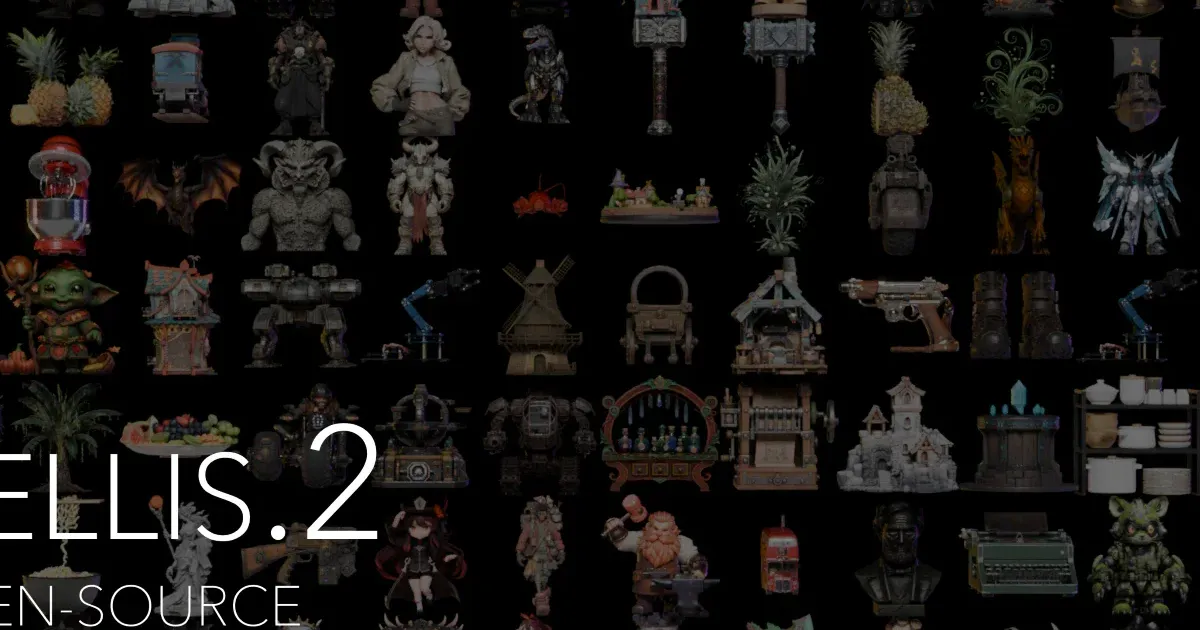
Rather than cherry-picking community screenshots, the fairest starting point is what each team itself showcases: the generated-asset montages from the official microsoft/TRELLIS.2 repository (MIT) and Tencent's Hunyuan3D-2 Space. Both are reproducible from public weights.
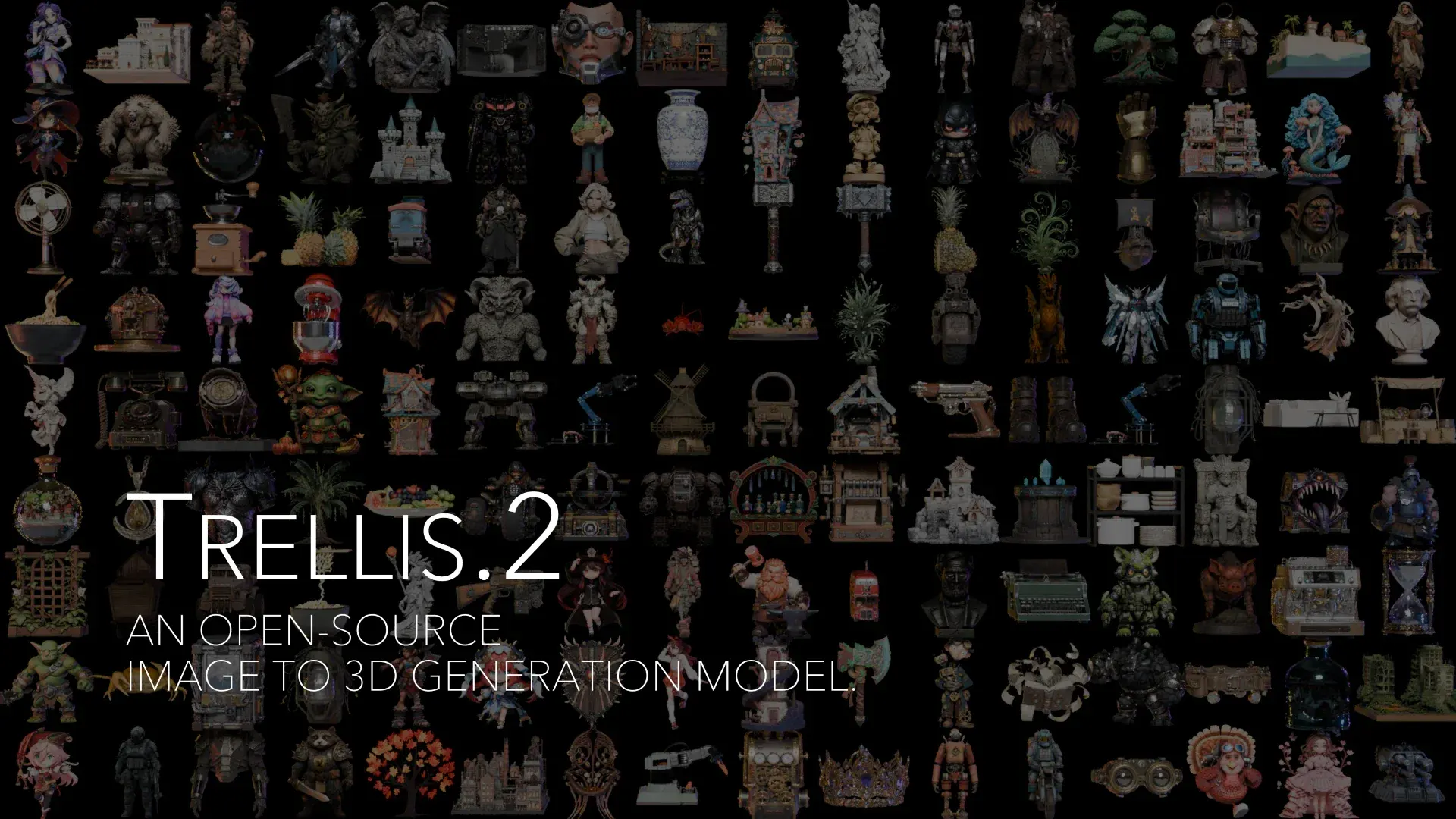
Generated assets from the official TRELLIS.2 repository showcase (Microsoft, MIT license).
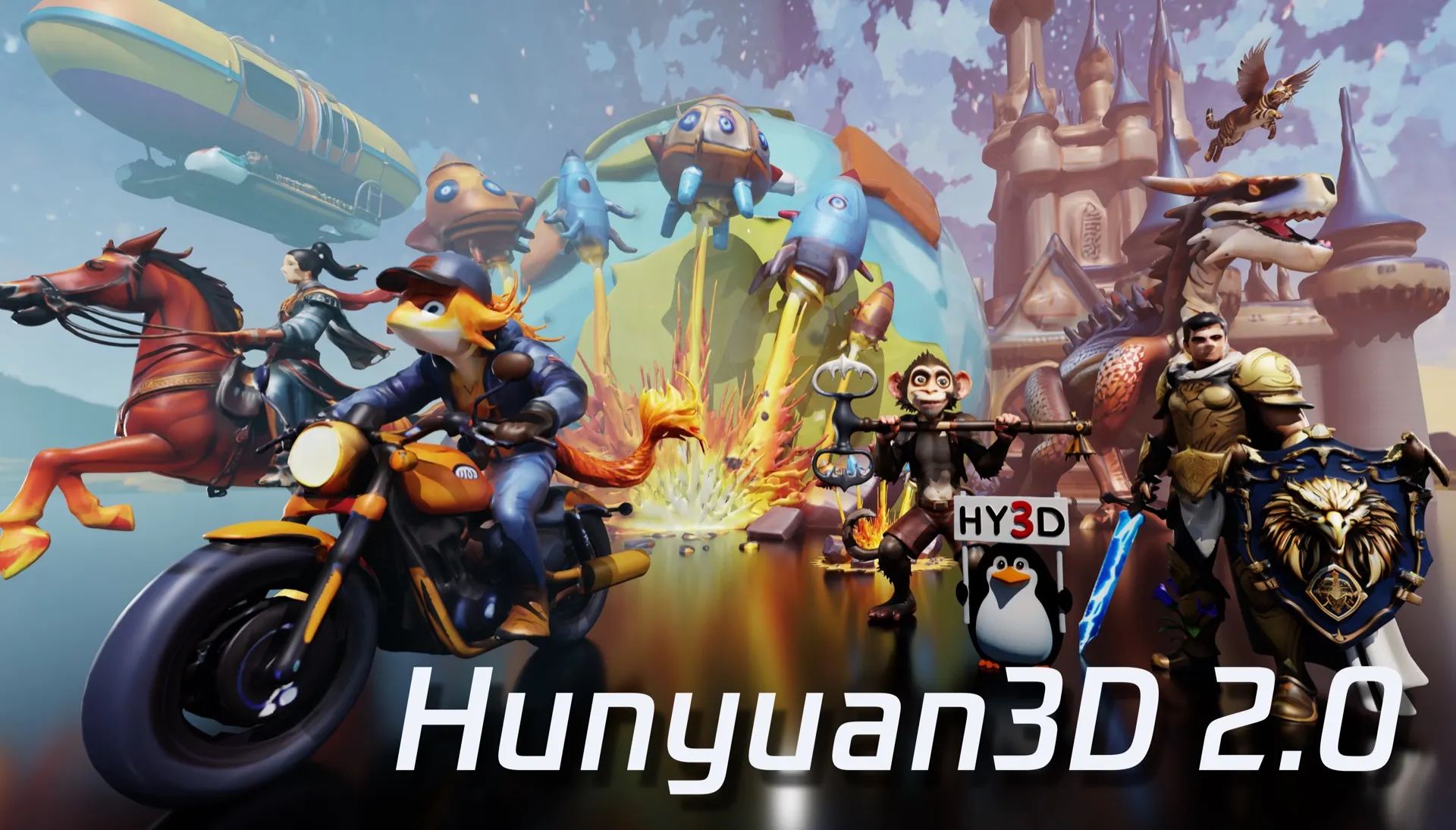
Generated assets from the official Hunyuan3D 2.0 showcase (Tencent Hunyuan3D-2 Space).
Three consistent patterns emerge across these showcases and community outputs:
Microsoft's published Trellis 2 benchmarks (H100 GPU):
| Resolution | Generation Time |
|---|---|
| 512³ | ~3 seconds |
| 1024³ | ~17 seconds |
| 1536³ | ~60 seconds |
Tencent's published figures for Hunyuan 3D 2.x land in the 10–30 second range for standard resolutions (vendor-reported; hardware varies). Trellis 2's totals also break down by stage: at 1536³, that's 35s of shape generation plus 25s of texturing; at 512³, 2s + 1s.
Two things to watch when you compare third-party claims: hardware tier — a consumer RTX 4060 is not an H100, so "X seconds" without hardware context is marketing; and what is being timed — some platforms quote only the shape stage and exclude texture generation, which can double the real wall-clock time. Multi-minute generations attributed to Trellis 2 describe someone's queue and hardware, not the model.

Hard-surface detail is where high voxel resolutions pay off (official TRELLIS.2 example asset).
This is the dimension most comparisons miss. Trellis 2's O-Voxel representation explicitly supports:

Open, thin leaf surfaces like these are a structural strength of O-Voxel (official TRELLIS.2 example asset).
Hunyuan 3D 2.x follows the more common watertight-biased mesh output. That is ideal for printing, but it can fight you in DCC tools when the input contains thin or open geometry. The O-Voxel conversion is quick in both directions, for what it's worth: textured mesh to O-Voxel takes under 10 seconds on CPU, and back to mesh in under 100 milliseconds on CUDA.
Practical rule: for 3D printing, either model works (both can be made watertight). For game and AR assets with thin parts, foliage, or glass, Trellis 2's representation has a structural advantage.
Trellis 2: MIT license. Use it, modify it, and ship products built on it. There are no revenue caps or field-of-use restrictions, and attribution isn't required. It doesn't get less restrictive than this. One nuance from the official repo: NVIDIA's nvdiffrast and nvdiffrec, used for rendering in the pipeline, ship under their own licenses — permissive for typical use, worth reading if you redistribute the toolchain.
Hunyuan 3D 2.x: Tencent Community License. Commercial use is permitted with conditions, and the conditions are concrete: the 2.1 license defines its Territory as worldwide excluding the European Union, the United Kingdom, and South Korea, and forbids military use. Terms carry version history, so read the current license text in the repository before committing a product pipeline to it.
For a startup shipping a commercial product, MIT is meaningfully less legal overhead. For internal tooling and research, both are workable.
| Your Situation | Pick |
|---|---|
| Game/product assets with PBR rendering | Trellis 2 — engine-ready metallic/roughness |
| Fastest single-photo-to-asset loop | Trellis 2 — 3s @ 512³ published benchmark |
| Text prompt → 3D (no image available) | Hunyuan 3D — native text-to-3D |
| Multi-view input (multiple photos) | Hunyuan 3D |
| Maximum detail capture | Trellis 2 — 1536³ ceiling |
| Zero-legal-friction commercial product | Trellis 2 — MIT |
| Already inside Tencent's cloud stack | Hunyuan 3D — ecosystem integration |
| No GPU, browser access wanted | Trellis 2 platform from $19/mo — pricing |
On published benchmarks, Trellis 2 (~3s @ 512³ on H100) edges out Hunyuan 3D 2.x (10–30s vendor-reported). Real-world speed depends on your GPU and pipeline.
Yes, under different terms: Trellis 2 under MIT (unrestricted), Hunyuan 3D under Tencent's Community License (conditions apply — check the current license text).
For self-hosting, yes — the official Trellis 2 minimum is 24GB VRAM, while Hunyuan 2.1 needs 10GB for shape generation and 29GB for the full shape-plus-texture pipeline. Alternatively, Trellis 2 runs in-browser on the official platform without any GPU.
Trellis 2's O-Voxel representation natively supports open surfaces and alpha channels — an edge for foliage, glass, and cloth-like geometry.
Yes — both are open source with public weights and ComfyUI community workflows.
Self-host both models and compare on your own hardware — the weights are public. Or skip the GPU requirement: run Trellis 2 on the official platform from $19/month.
Keep reading: How to Install Trellis 2 · Is Trellis 2 Free? Official Pricing · Hitem3D vs Trellis 2 · Trellis 2 ComfyUI Workflow

3D technology specialists focused on AI-powered 3D model generation, format conversion, and browser-based 3D rendering. We test and review 3D tools so you don't have to.

The Trellis 2 model is MIT-licensed and free to run. The official platform is paid, from $19/month. Real plans, credit math, and a wrapper checklist.

What Godot MCP is, which of the four main implementations to pick, step-by-step setup for Claude Code, Codex and Cursor, plus the errors you'll actually hit.

Trify3D runs Tripo3D, Meshy, and Rodin on the same prompt or image so you can compare 3D meshes side by side. Features, workflow, pricing, and who it's for.
Join the community
Subscribe to our newsletter for the latest news and updates